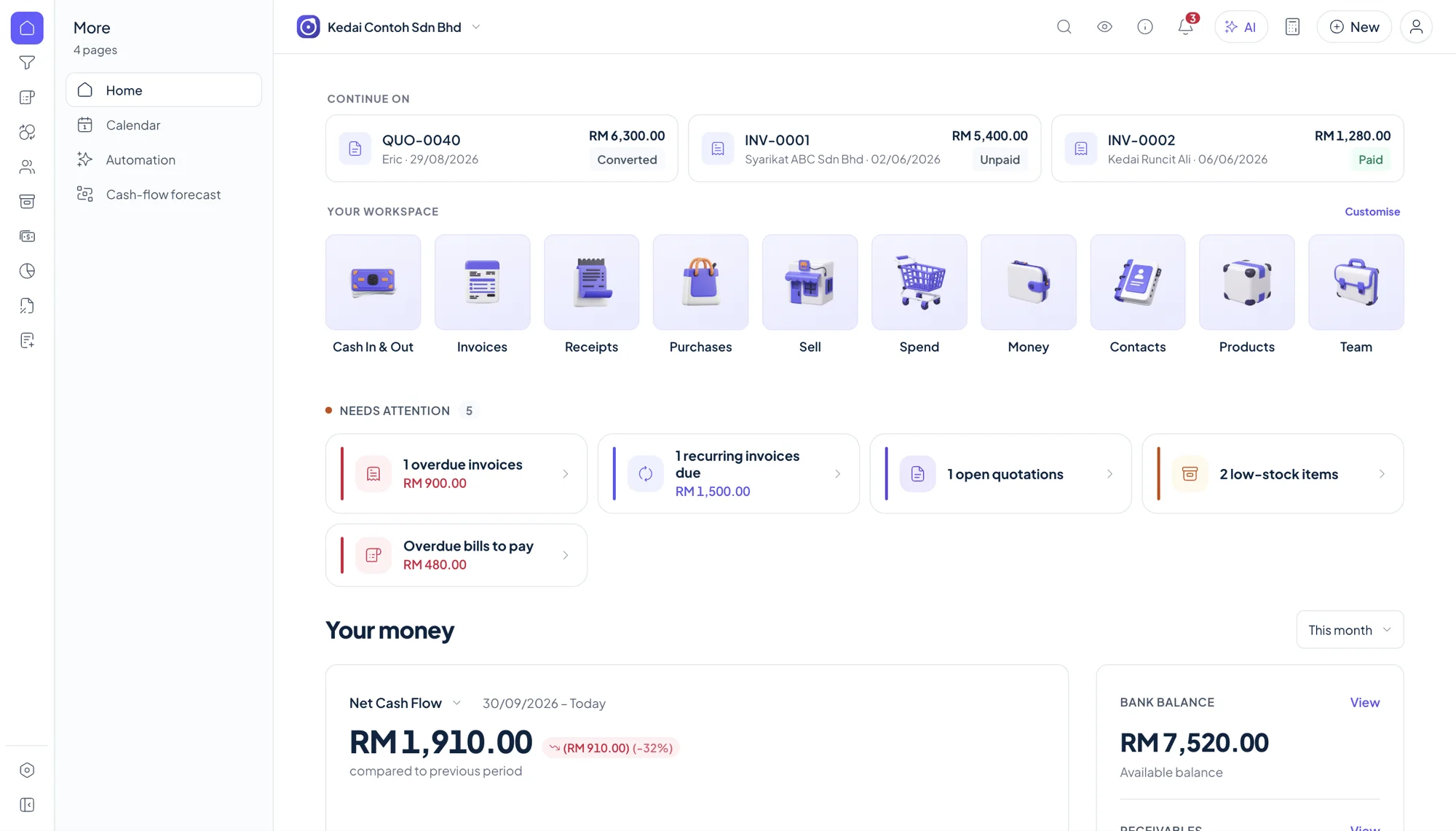
A real desktop app
Install directly on the Mac and open your books without running accounting software through a virtual machine.
- Universal macOS download
- Apple silicon and Intel
- Windows release also available
Early-bird: RM 249.00 (normally RM 349.00) · 92 of 100 slots left Claim yours
Accounting software for Mac · Malaysia
Orbit Finance provides a macOS download for Apple silicon and Intel, alongside Windows, Android and Chromebook releases. The core app works offline, your books stay on your device, and one licence supports up to two devices.
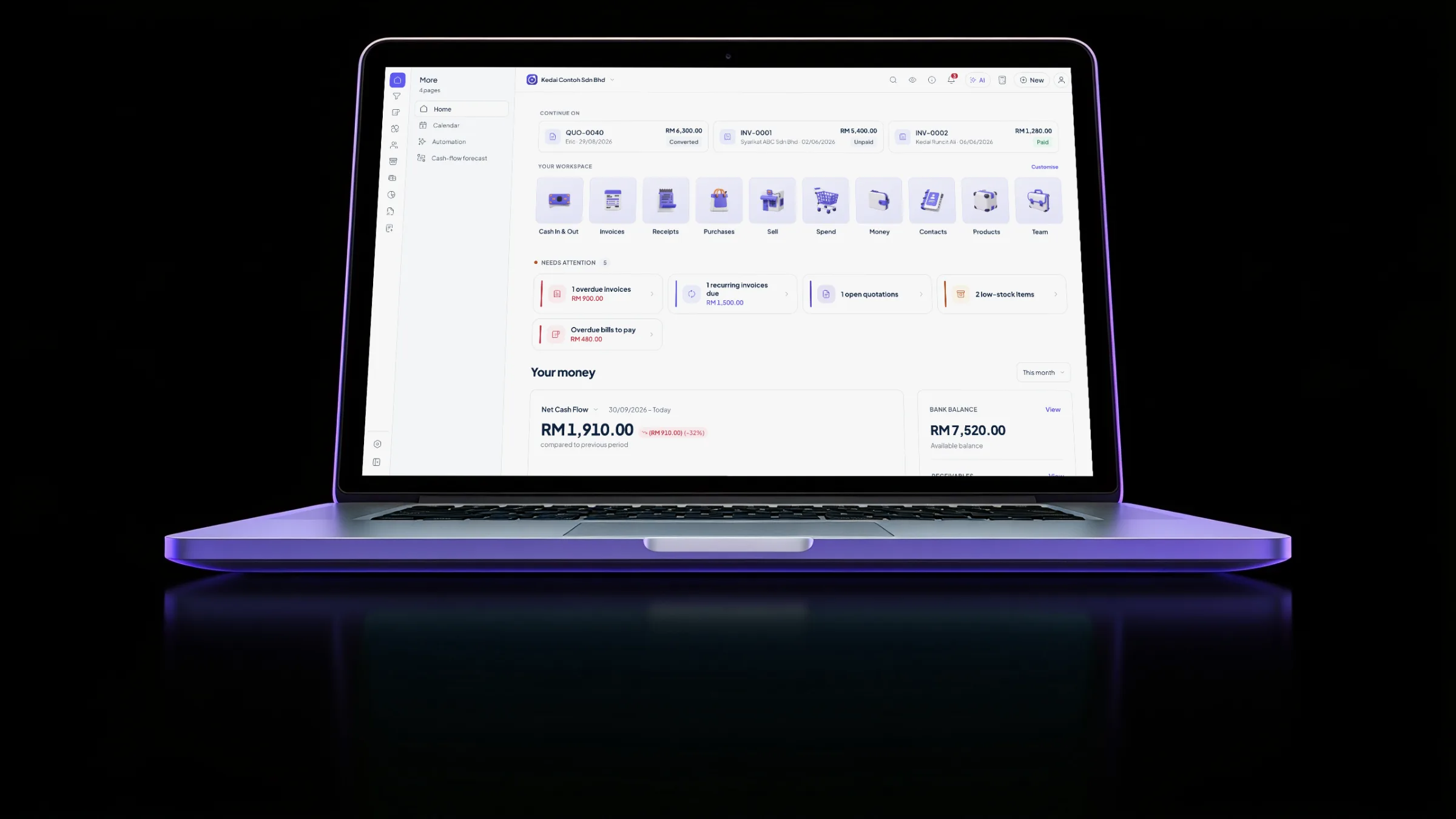
Yes. Orbit Finance has a universal macOS download for Apple silicon and Intel. It is a real desktop app, not a fabricated interface or browser tab, and its core workflows keep running without internet while the books remain stored on your Mac.
Install directly on the Mac and open your books without running accounting software through a virtual machine.
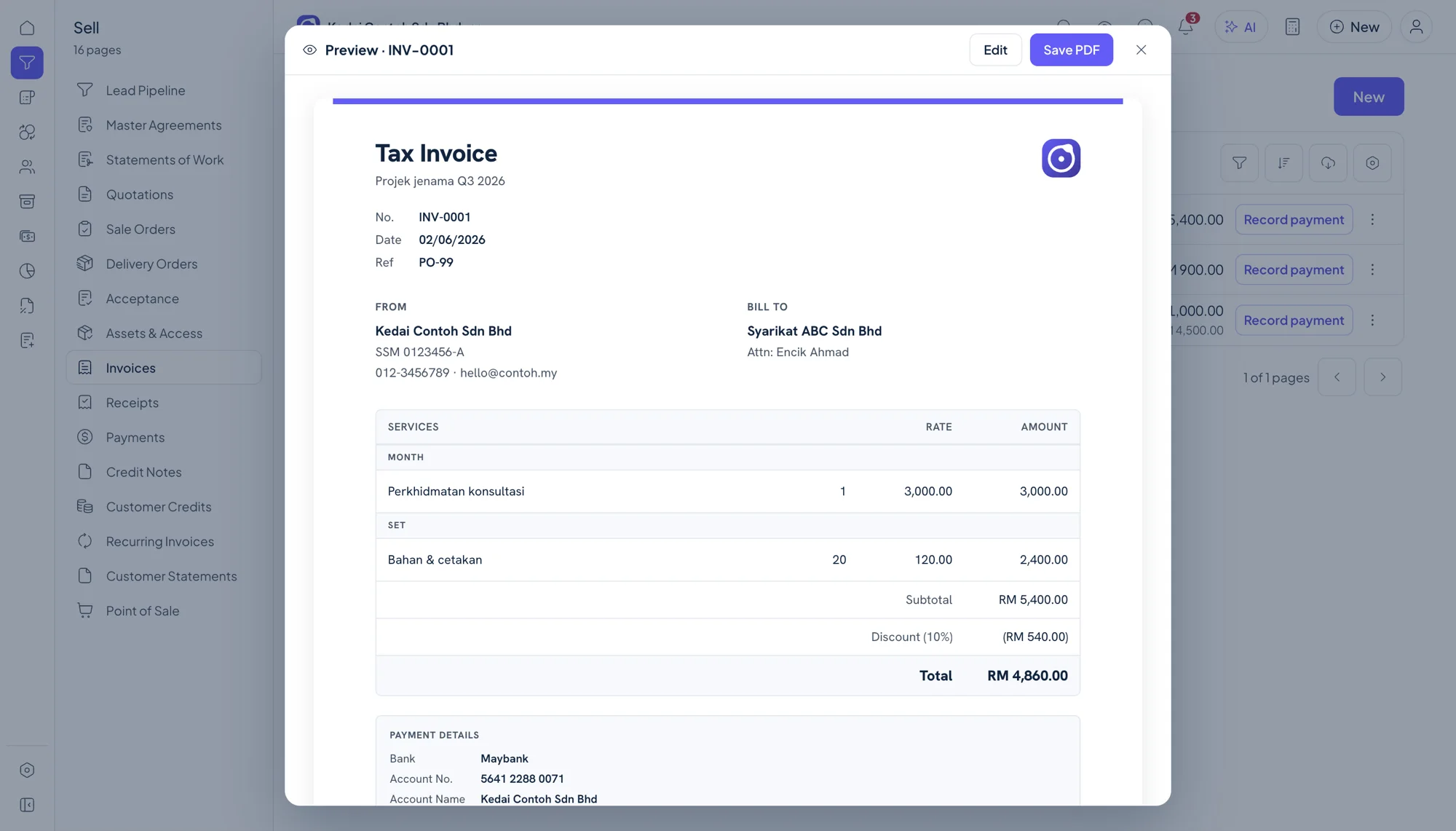
Manage quotations, invoices and payments in the same sales workspace.
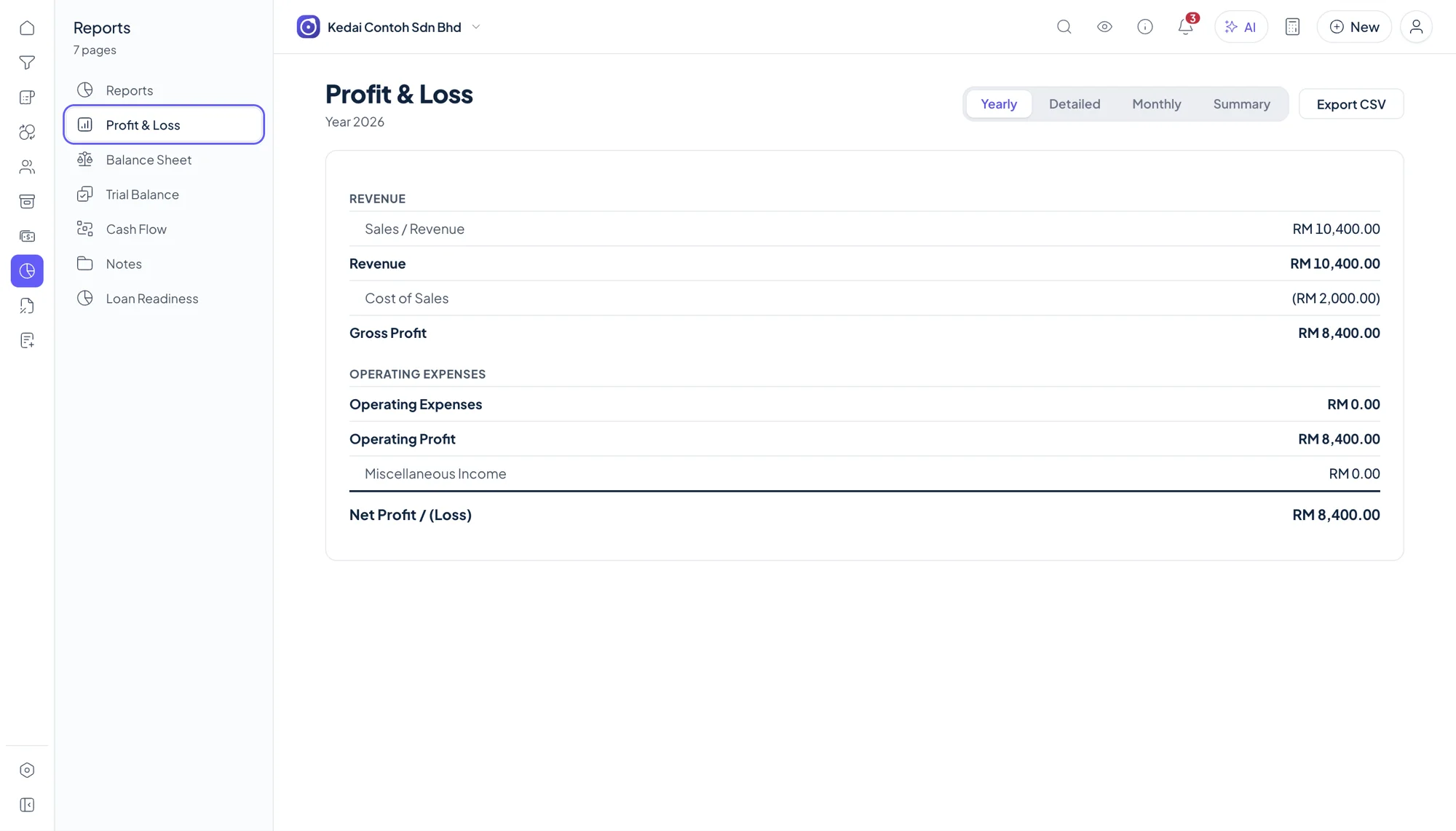
Read profit and loss, balance sheet and other reports from the same records.
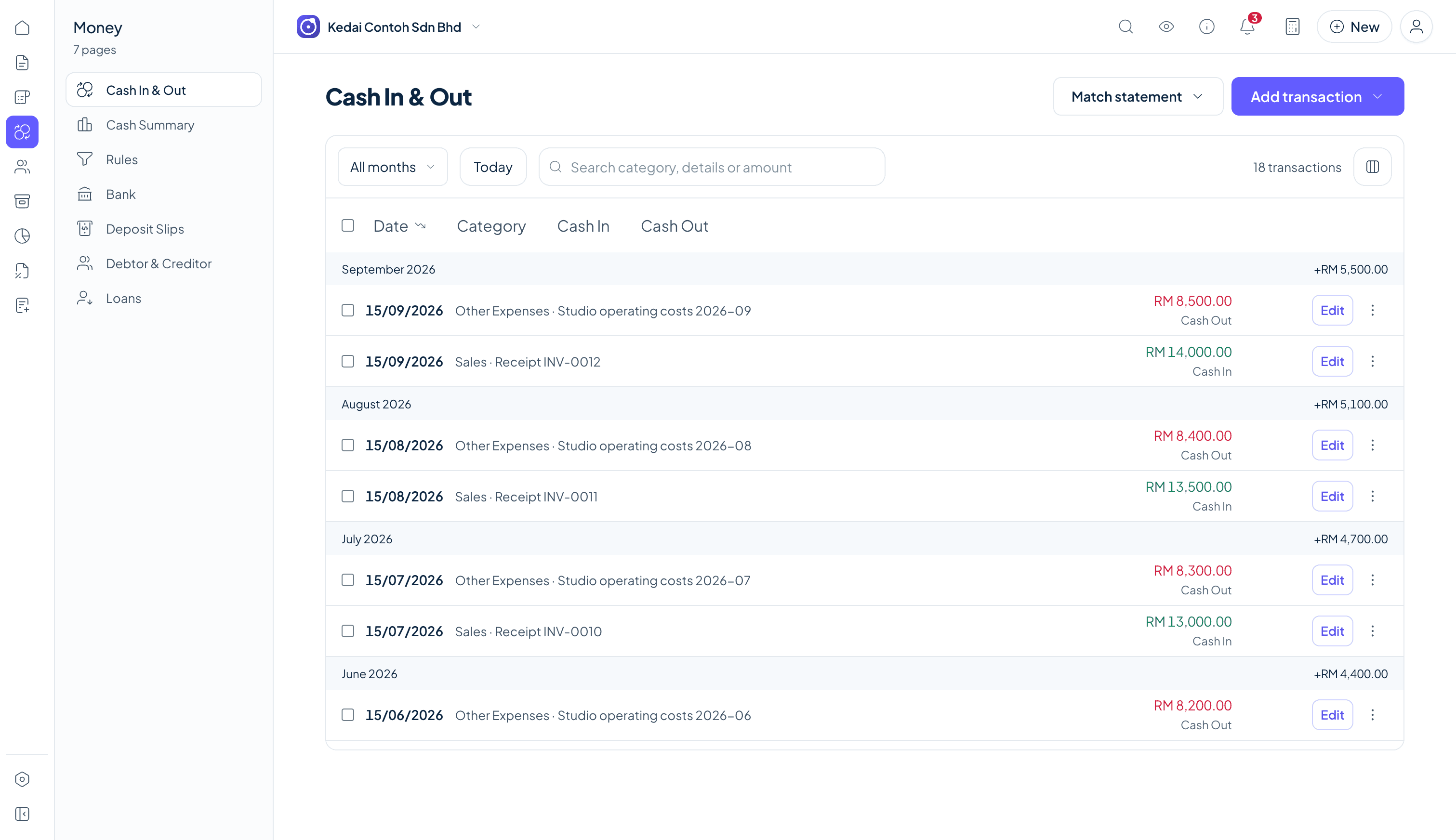
Core work and the book file stay on your device; connected services remain optional.
The three usual ways to keep your books on a Mac.
| Criteria | Orbit Finance | Software through a VM | Browser tools |
|---|---|---|---|
| Access | macOS app | Windows layer or VM | Browser |
| Core app offline | Yes | Varies | Varies |
| Orbit data location | Your Mac | Check vendor | Check vendor |
| Orbit model | RM 249.00 one-time | Check vendor | Check vendor |
Third-party product details change. Confirm platform support, storage and pricing directly with each vendor.
Not for Orbit Finance. Use the direct macOS download.
Yes, for the core app and local books.
macOS and Windows releases are available from the same downloads page.
The core licence supports up to 2 devices.
Yes. The universal macOS download supports Apple silicon and Intel.
Yes, alongside Android and Chromebook releases.
Not for core accounting work. Optional connected services require internet.
On your device by default.
Download the macOS app, use a new set of books free for 3 months, then buy a licence when you want to continue.