What people like about AutoCount
- Mature, deep feature set built up over many years
- Strong inventory, manufacturing and payroll modules
- Large network of dealers and accountants who know it
- Well-established for Malaysian SST and compliance
Early-bird: RM 249.00 (normally RM 349.00) · 92 of 100 slots left Claim yours
AutoCount alternative
Compare AutoCount with Orbit Finance for offline bookkeeping, local data, Mac and Windows support, and a one-time licence.
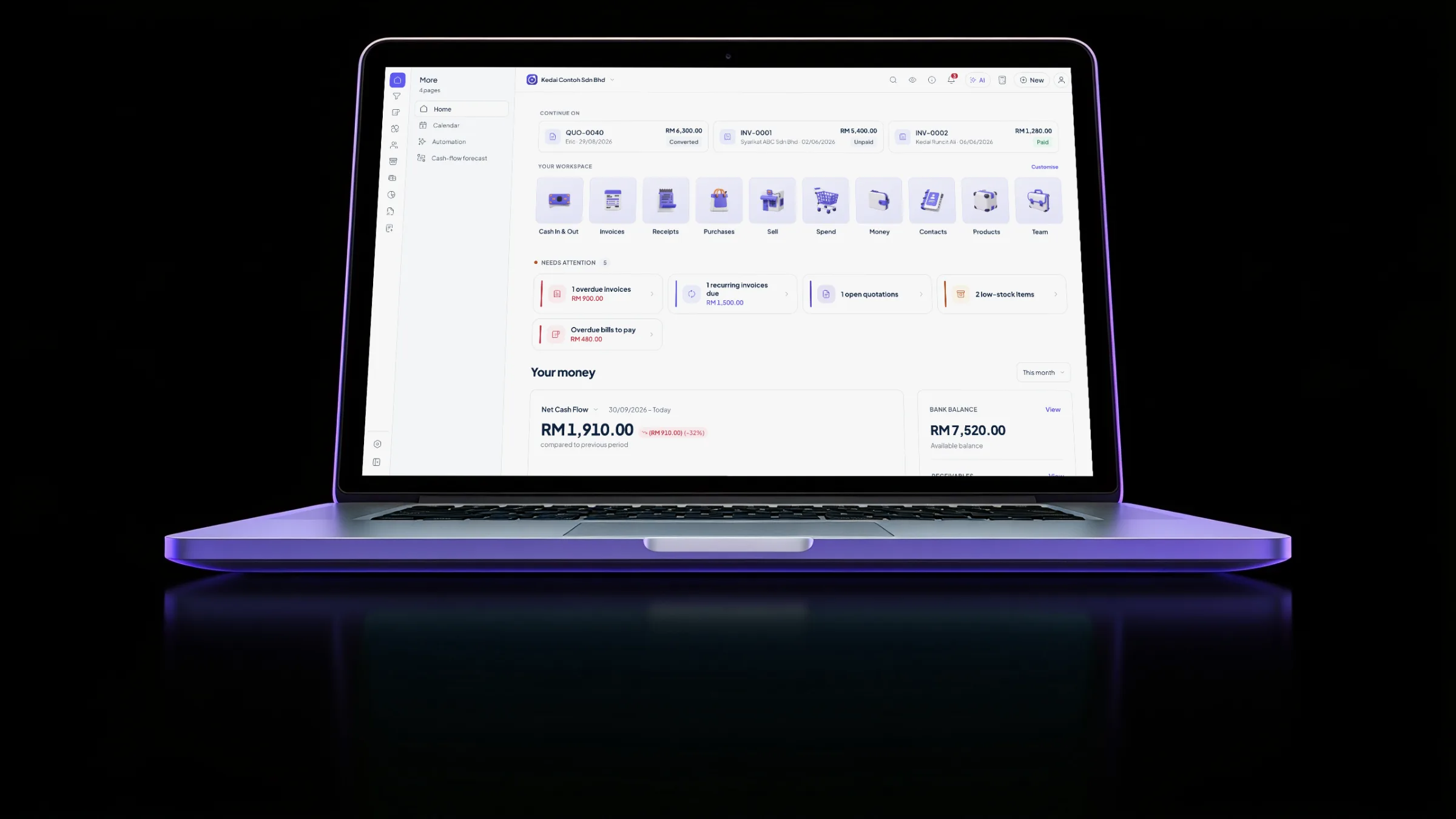
Yes. Orbit Finance can be a good AutoCount alternative for solo owners and small SMEs that want simpler bookkeeping, local files, offline work and a one-time licence. Stay with AutoCount when your accountant, team workflow or specialist requirements already depend on it.
The incumbent's strengths still matter. The difference is which business and working style each tool serves best.
Use this table as a starting point, then verify the competitor's current product details before deciding.
| Criteria | Orbit Finance | AutoCount |
|---|---|---|
| Pricing model | RM249 one-time, owned for life | Varies by current edition or plan |
| Runs on macOS | Yes | Check AutoCount's current platform support |
| Works fully offline | Yes | Check current offline support |
| Where your data lives | Your device (local-first) | Check current vendor documentation |
| e-Invoice / MyInvois ready | Yes | Check current MyInvois support |
| Bilingual EN / BM interface | Yes | Check current language options |
| Best fit | Solo & small SMEs | Depends on your existing workflow |
An honest, high-level comparison. AutoCount changes over time, so confirm current details directly with its vendor. Product names are trademarks of their respective owners.
Treat the move as a reviewable migration, not a sudden cutover.
Keep exports from AutoCount and a copy of your closing reports before you start.
Import contacts, products, opening balances, unpaid invoices and sales history. Orbit checks the data before saving it.
Compare the trial balance and balance sheet with the old system, then resolve differences before continuing.
Carry on your numbering and enter new activity in Orbit after the starting position is confirmed.
Staying with the incumbent deserves equal consideration.
This situation favours AutoCount; move only if your priorities change.
This situation favours AutoCount; move only if your priorities change.
This situation favours AutoCount; move only if your priorities change.
Not if you keep the original exports and backups. Orbit previews imported data first, so you can review it before anything is saved.
Compare opening balances with the old closing reports and resolve missing figures before daily work begins.
No. If AutoCount already fits your accountant, team or established process, staying with it is a reasonable choice.
Yes. Every new set of books gets 3 months free with no key or card. When it ends, the app locks, your data stays on the device, and a licence unlocks it in place.
Orbit Finance is free to download and try; activating it is a one-time RM249 licence, owned for life, with no annual fee. There is no recurring subscription for the core app.
Yes. Orbit Finance is built to be MyInvois e-Invoice ready. Confirm e-Invoice support against your own LHDN filing phase before switching.
Yes. Orbit Finance runs natively on macOS (Apple silicon) and Windows from one licence. AutoCount is primarily a Windows desktop package.
Download the full app, use a new set of books free for 3 months, then buy a licence when you want to continue.
An honest, high-level comparison. AutoCount changes over time, so confirm current details directly with its vendor. Product names are trademarks of their respective owners.