Already keep your books in Orbit Finance?
Orbit POS sends every completed sale to Orbit Finance, once each, so your takings and SST reach your accounts without retyping. It works just as well on its own.
Orbit POS
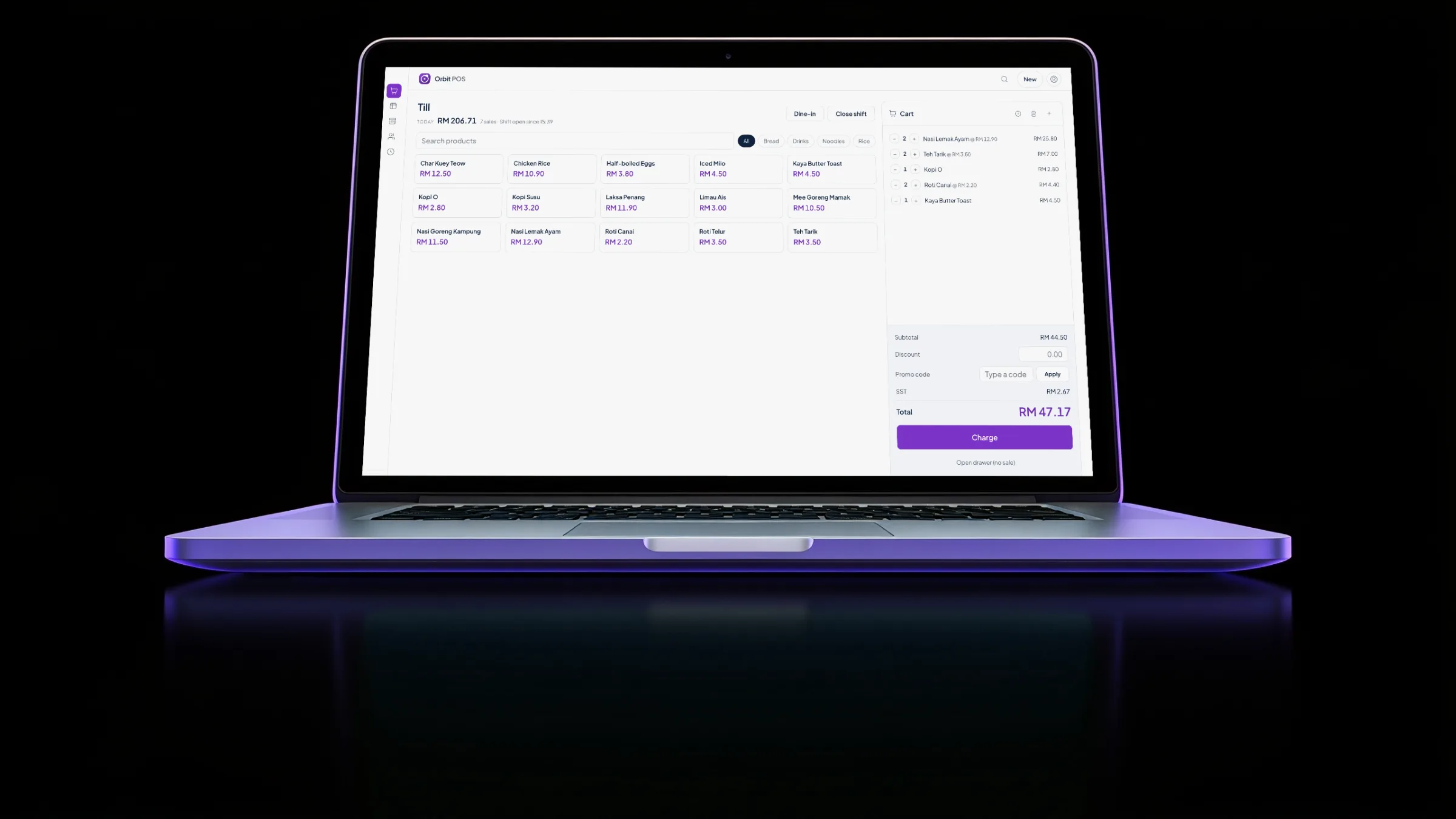
Ring up sales, run the floor, send orders to the kitchen and charge by the hour. All on your own computer, with or without the internet.
macOS and Windows · Sales open soon · 30-day trial
Orbit POS is a point of sale app for Malaysian shops, cafes, restaurants and venues that sell time, such as snooker halls and karaoke rooms. It runs fully offline on your own Mac or Windows computer, prints receipts with SST on them, takes waiter orders from staff phones over the shop wifi, and is bought once instead of rented monthly.
Bought, not rented
Orbit POS is licensed per shop with a key that is checked on the machine itself, so a dropped connection or an expired card never stops the counter.
pick what your shop needs
for the till itself
macOS and Windows
days, no key needed
Switch on only the parts your shop uses. A kiosk sees a till; a cafe sees tables and a kitchen; a snooker hall sees clocks.
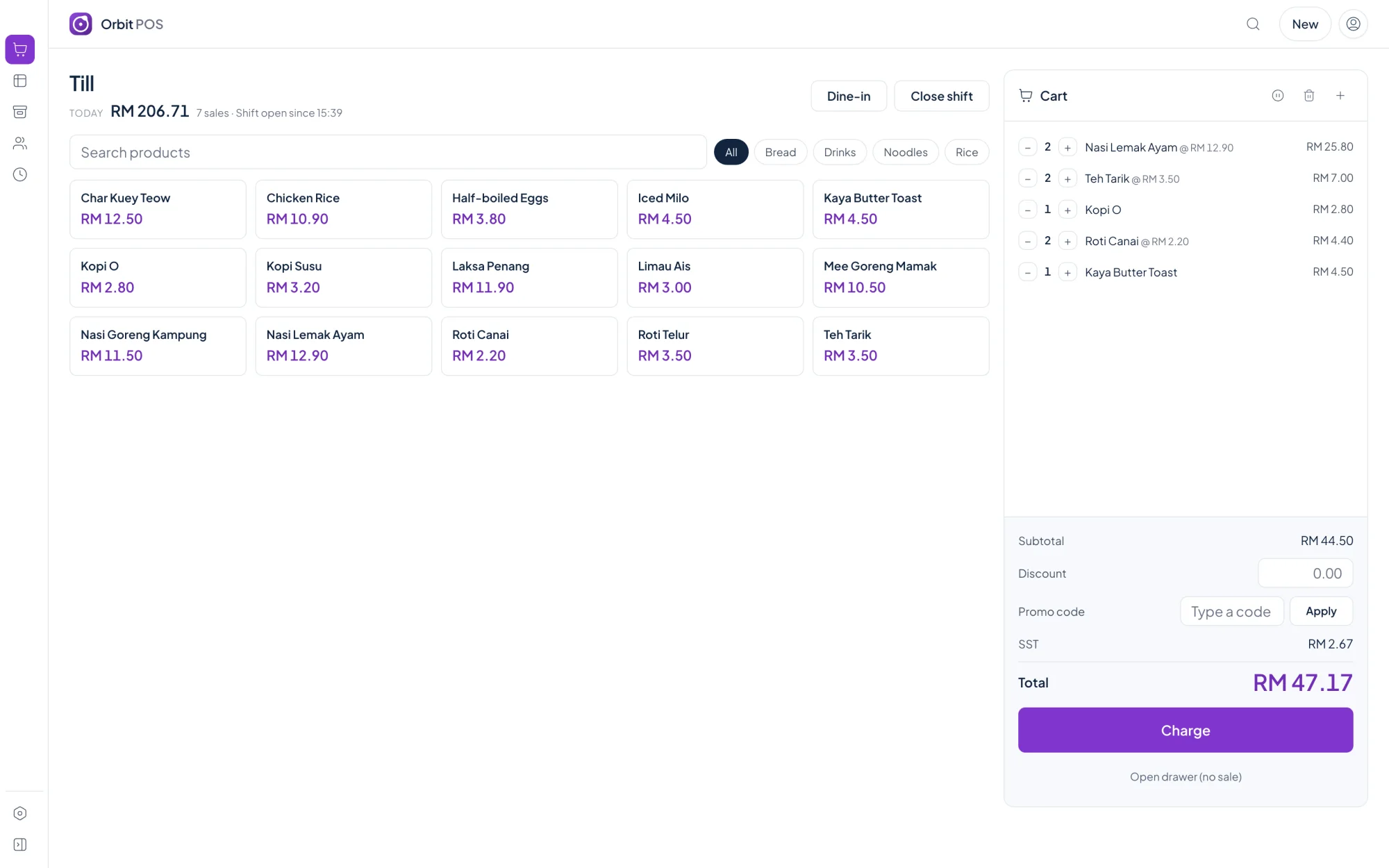
Till
Tap items, apply a discount, take mixed tenders and print. Money is counted in whole sen, so totals never drift by a cent.
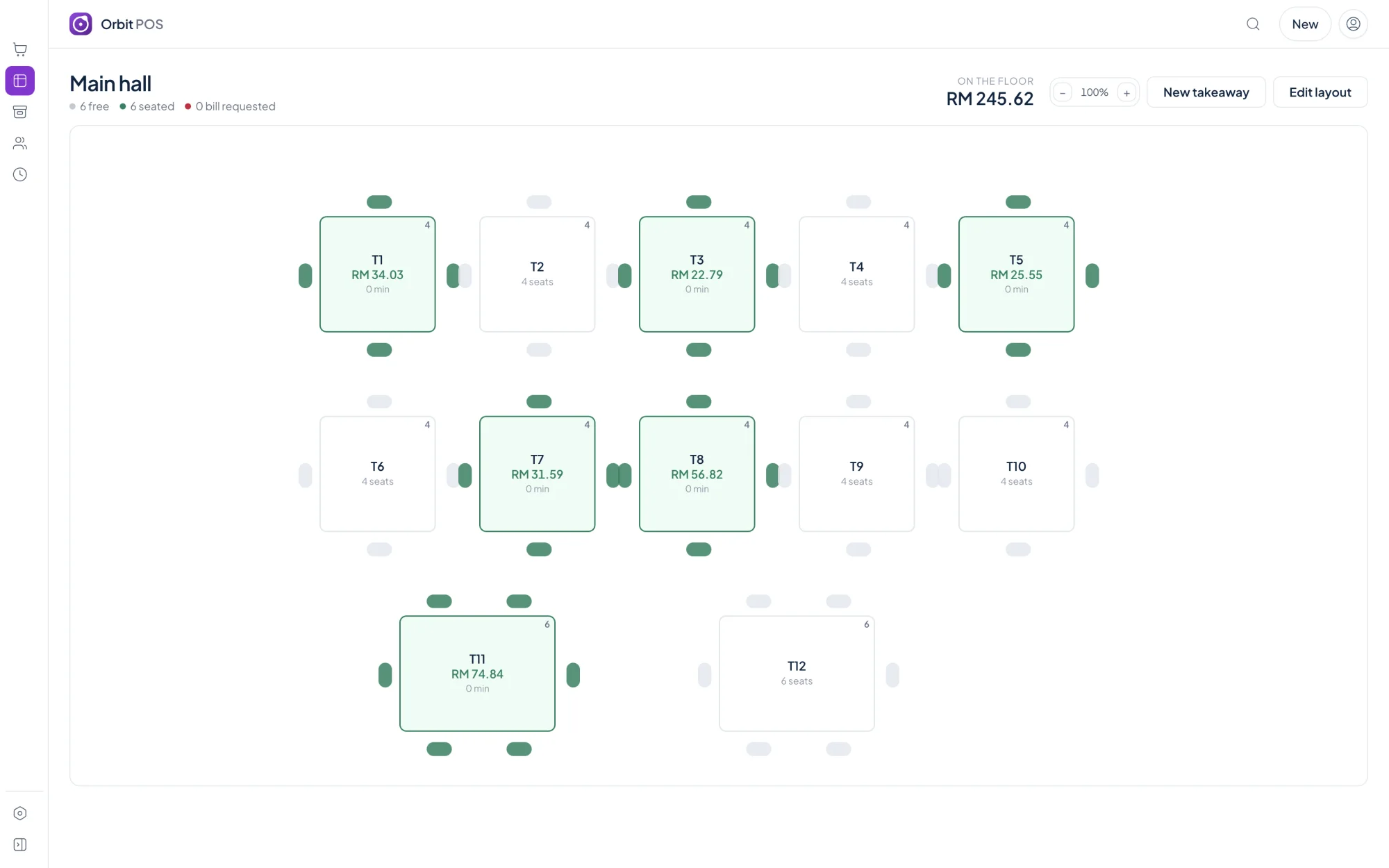
Tables
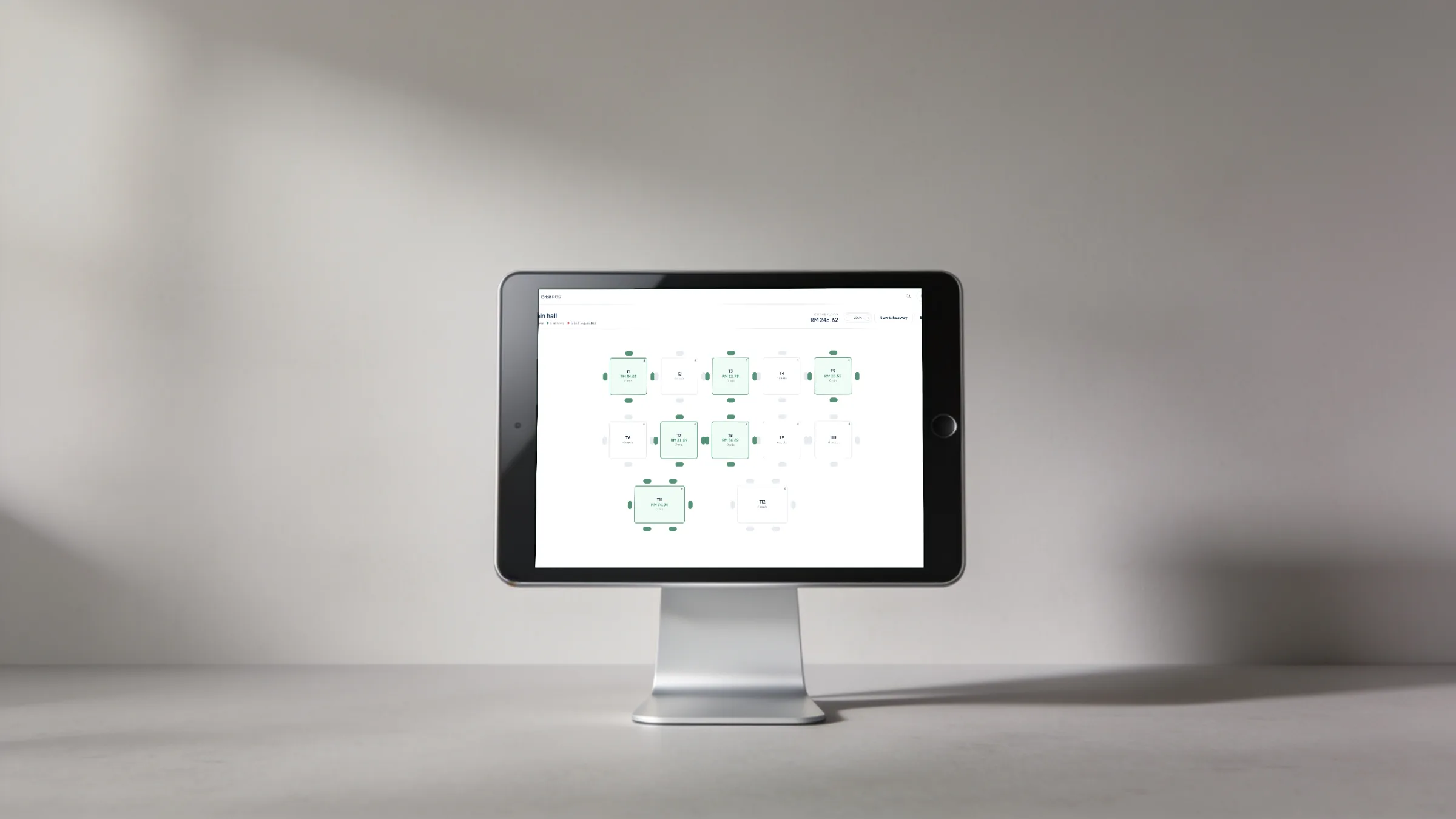
Draw your rooms in metres, place tables, then open a bill on any of them. Split, merge and move bills between tables.
Kitchen
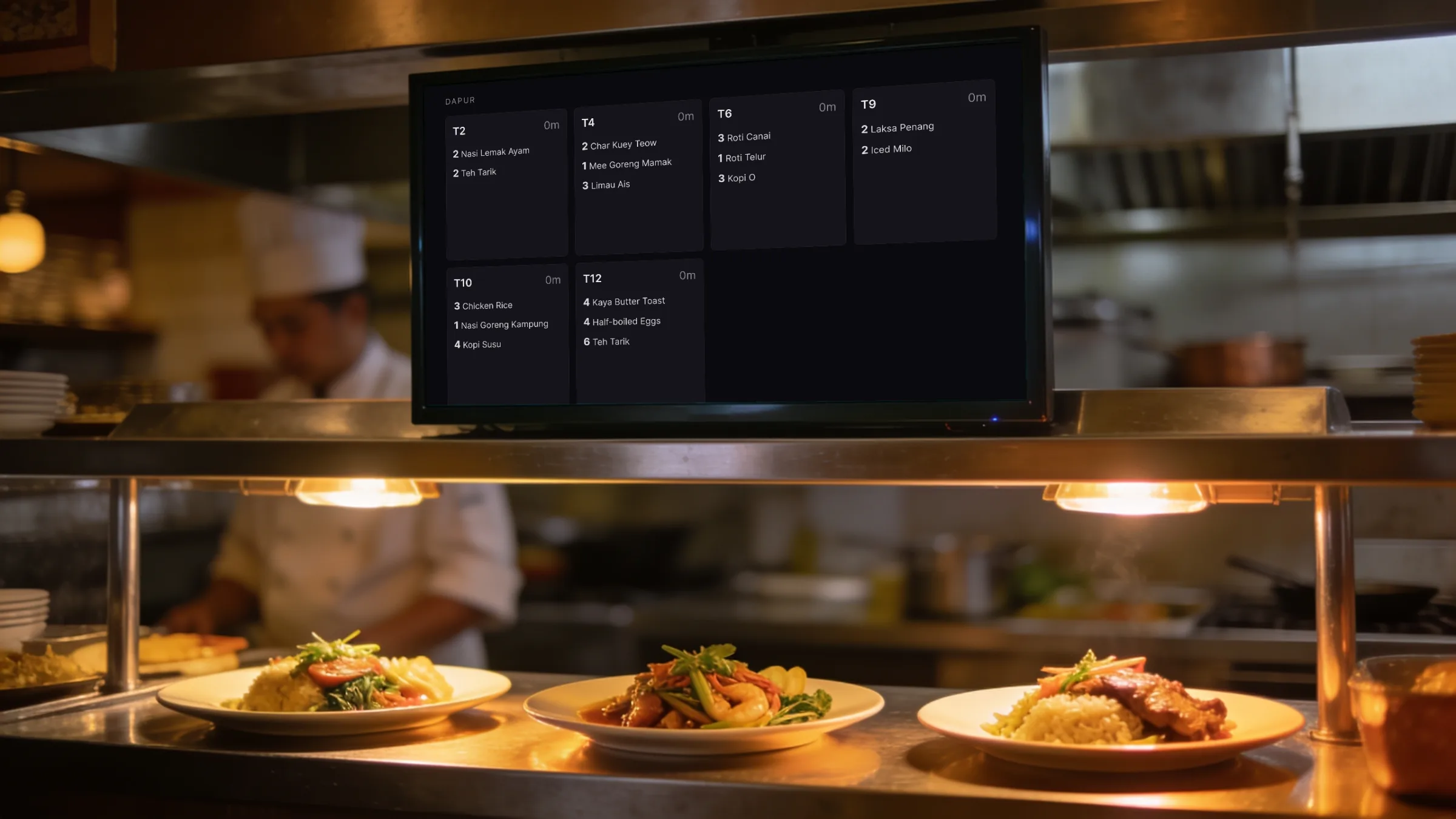
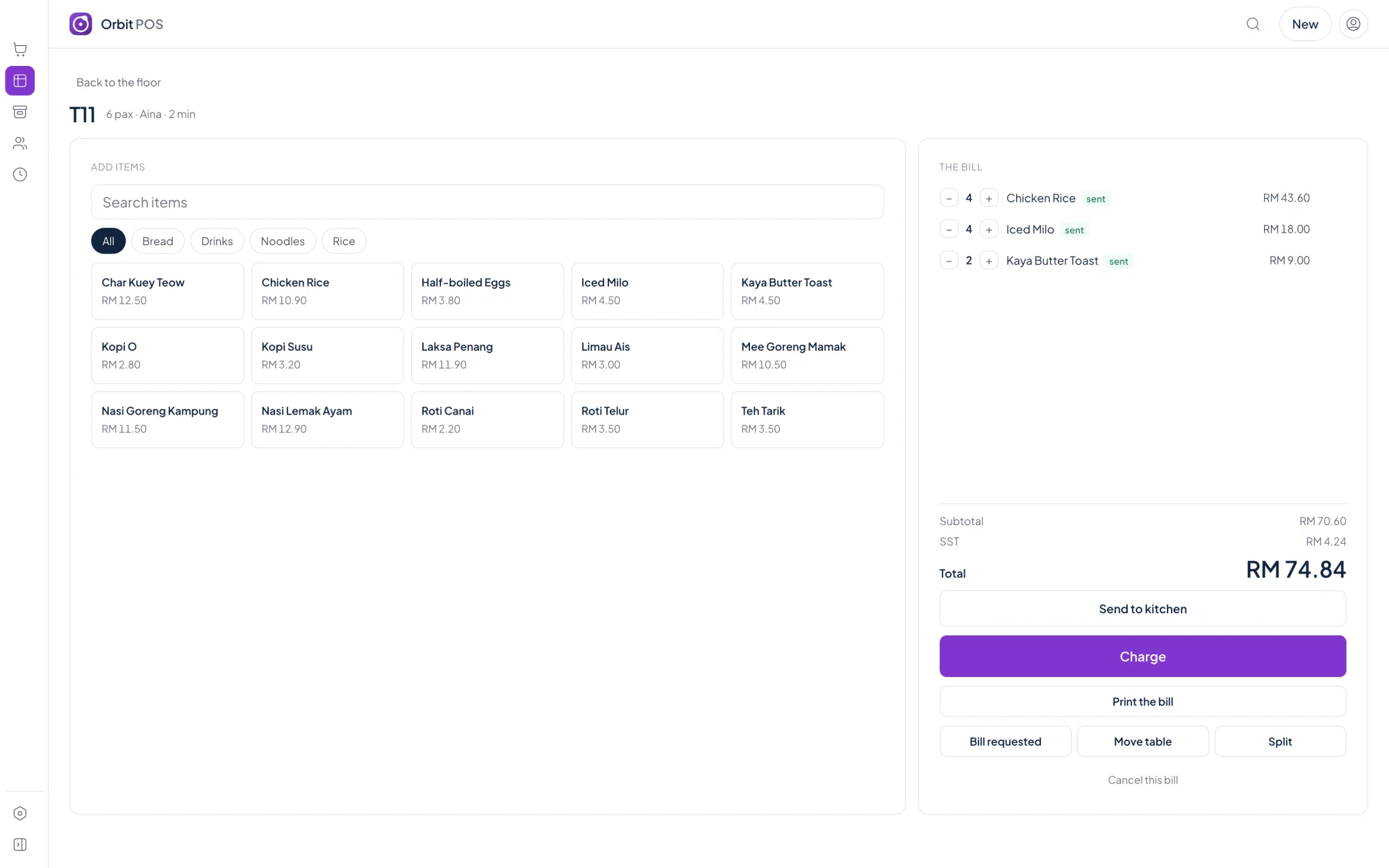
Kitchen tickets and the kitchen display show only what was just sent, with quantities and notes and no prices.
Receipts
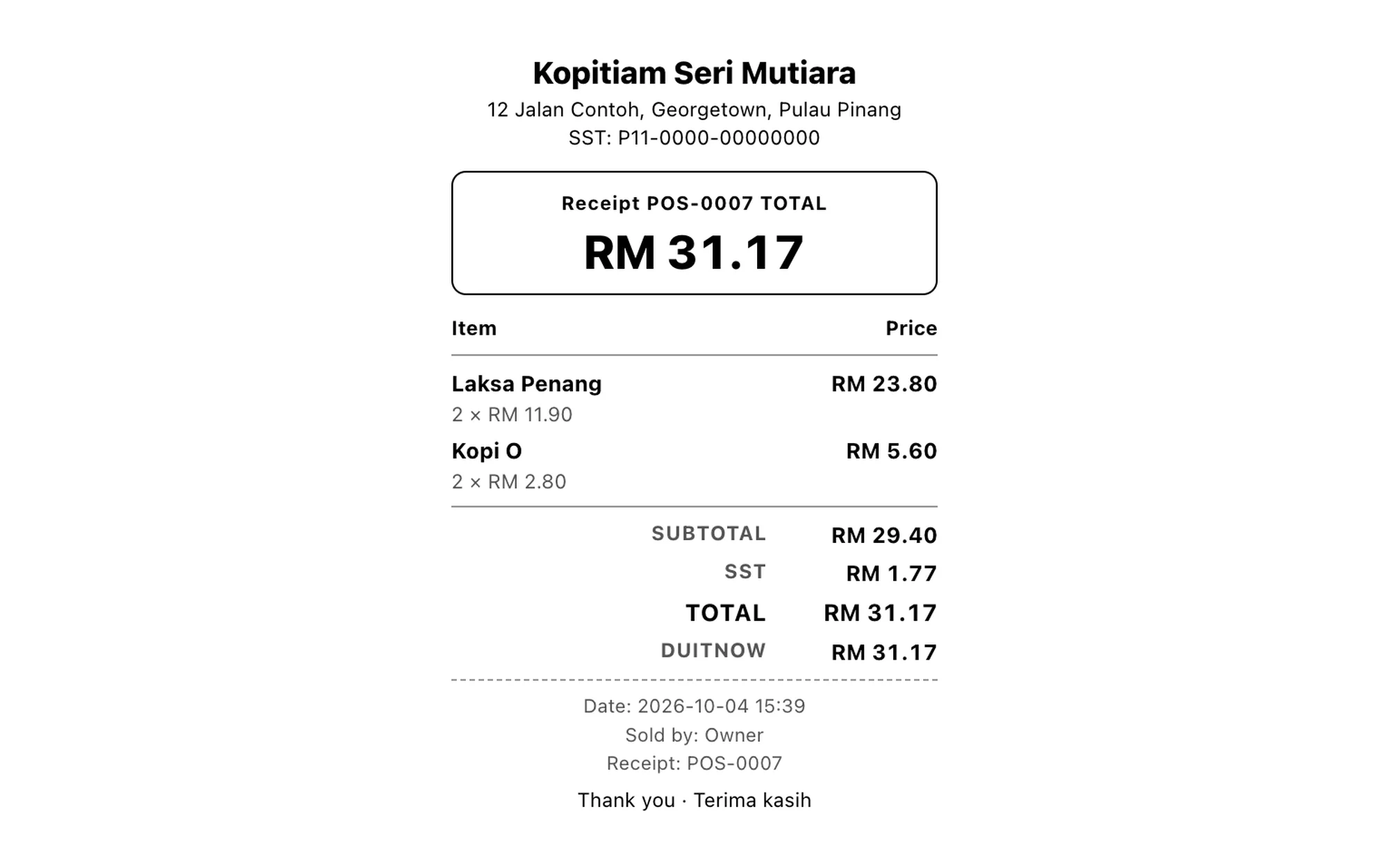
Each product carries its tax code, so the receipt shows the tax it should and your reports add it up the same way.
Reports
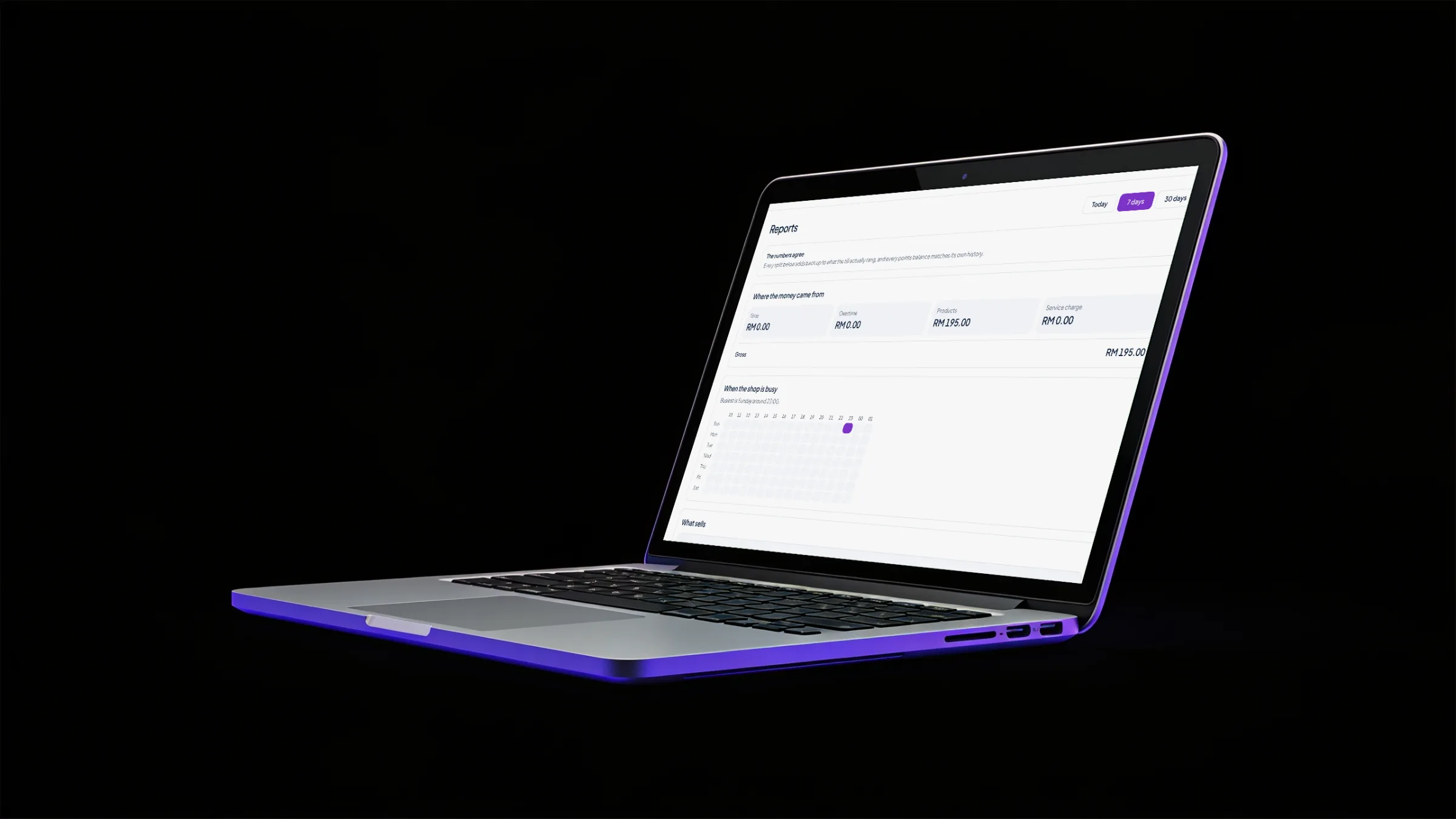
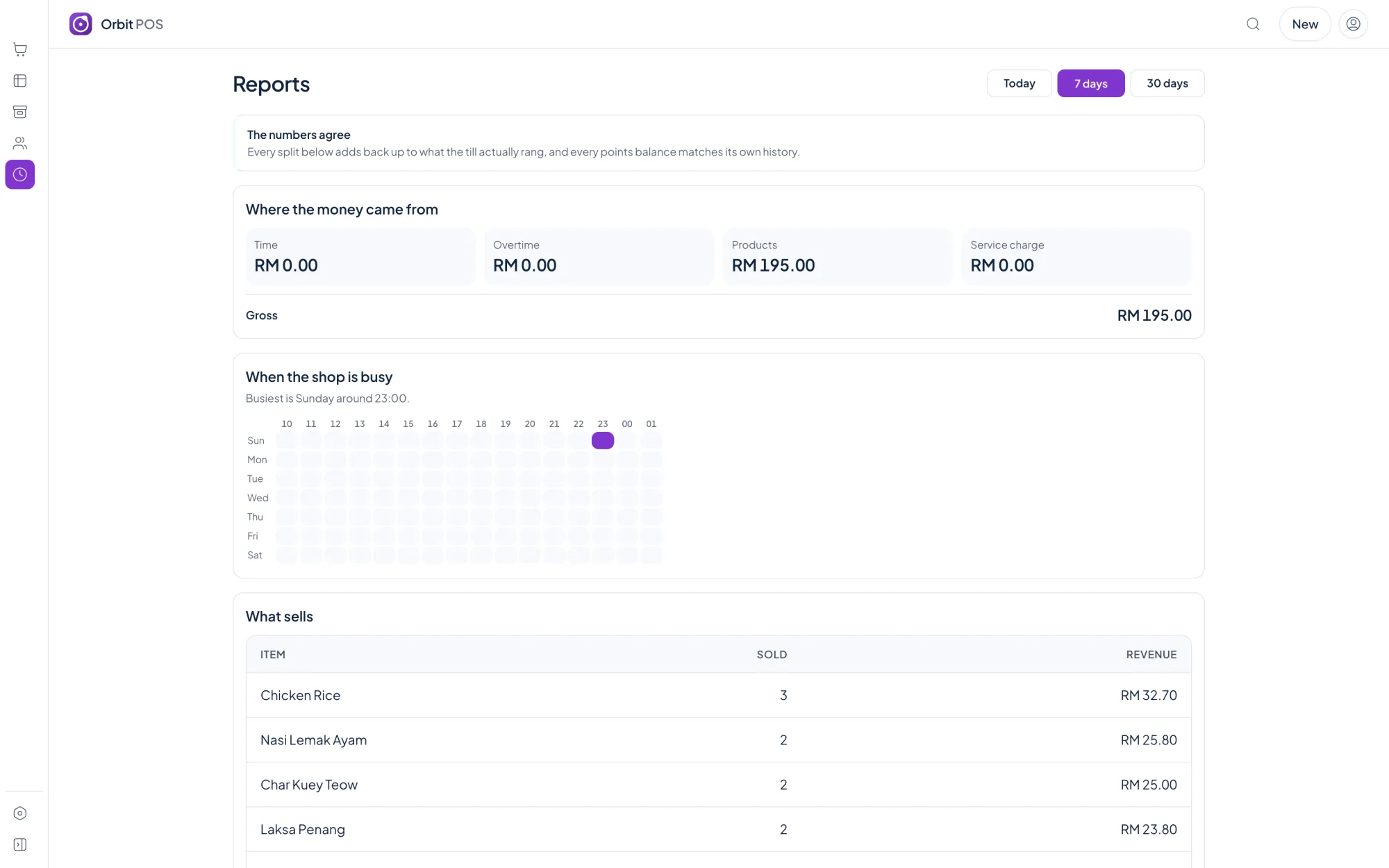
Takings by day and by tender, best sellers, margins after discounts, and the cash you should have in the drawer.

Works fully offline, on the computer at your counter.
For your shop
Pick your kind of business when you install, and Orbit POS switches on the right screens and uses your words: tables, lanes, rooms or stations.
Ring up items, track stock, print a receipt.
Learn moreTables, bills, kitchen tickets, waiter phones.
Learn moreClocks on tables, overtime, drinks on the same bill.
Learn moreLanes by the hour or by the game, shoes and lockers.
Learn moreRooms by the hour, peak rates, food on the bill.
Learn moreStations by the hour, prepaid wallets, snacks.
Learn moreQuotes, work orders, parts and labour.
Learn moreLocal-first
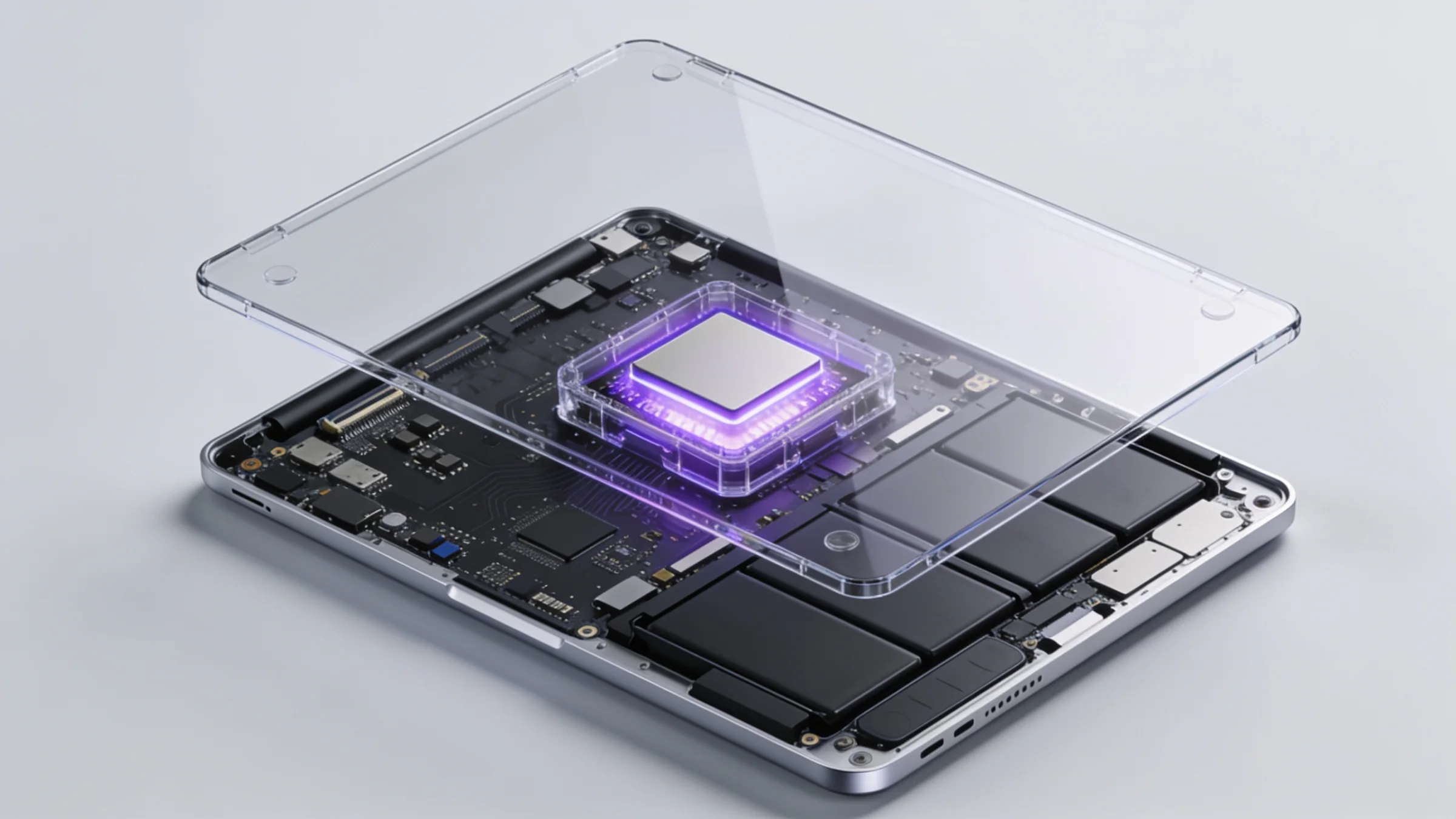
The database is a file on the shop's own machine. Nothing is sent to a vendor server, and nothing stops working when the line goes down.
Every backup is reopened and counted before it is called good, and at least three are always kept.
Voids, discounts, refunds and drawer opens record who did it, who approved it and why.
The key is verified on the machine. With no licence at all, the till still sells.
Member details stay in this app and are never sent across to Orbit Finance.
Editions
Every edition includes the full till. Higher editions add tables, time selling and multi-outlet tools.
A counter that sells things.
Price coming soon
one-time, per shop
For most cafes
A cafe or restaurant with a floor to run.
Price coming soon
one-time, per shop
Everything in Standard, plus:
Anywhere that sells time: snooker, gaming, bowling, studios.
Price coming soon
one-time, per shop
Everything in Pro, plus:
Several outlets, staff on commission, accounts on credit.
Price coming soon
one-time, per shop
Everything in Venue, plus:
Orbit POS sends every completed sale to Orbit Finance, once each, so your takings and SST reach your accounts without retyping. It works just as well on its own.
Yes. The till, receipts, stock and reports all run on the shop's own computer with no internet connection. Waiter phones and kitchen screens need the shop's own wifi network, not the internet.
No monthly fee for the till. Each edition is a one-time licence for one shop. Prices are published on the editions page once sales open.
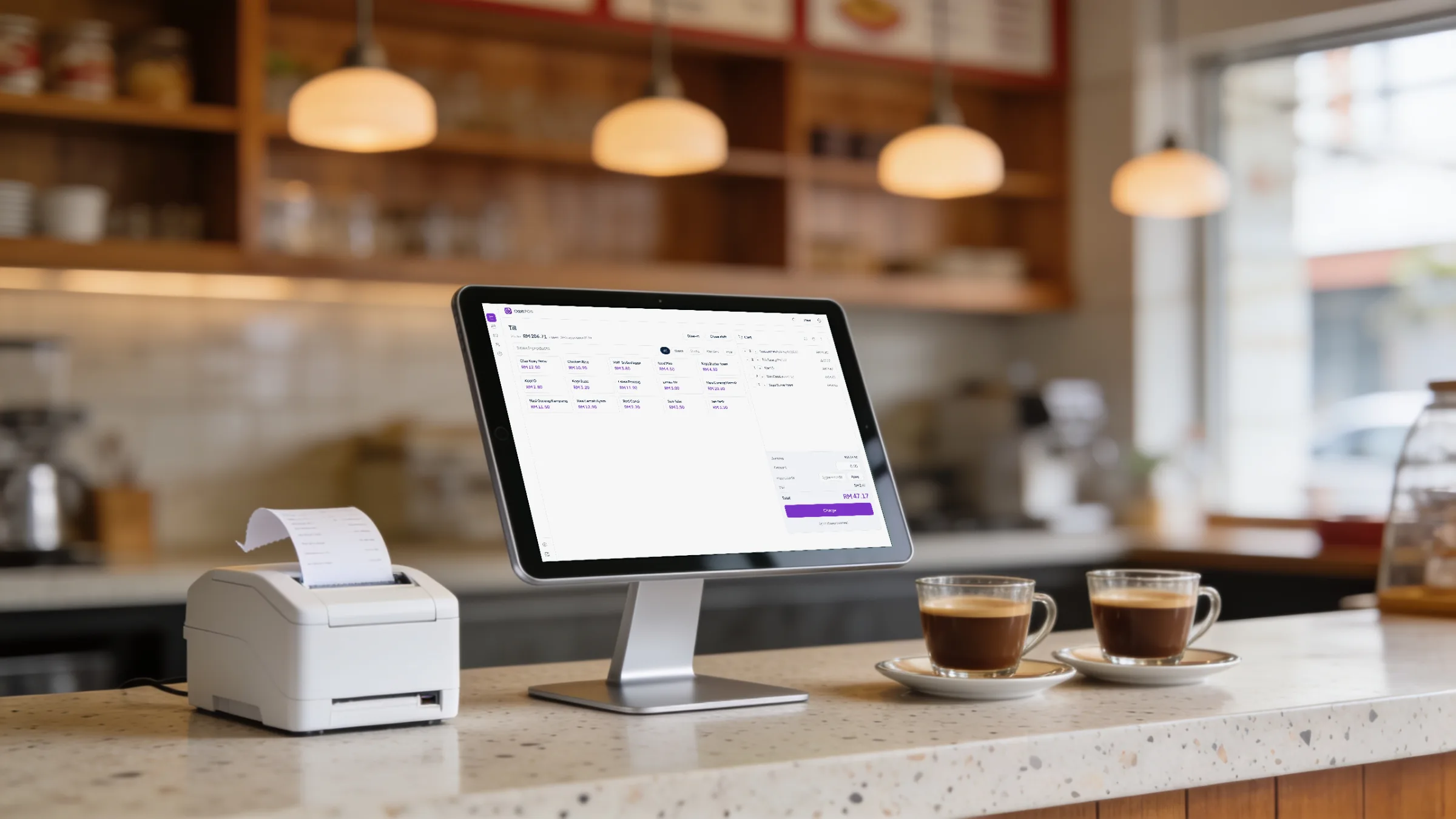
Orbit POS is a desktop app for macOS and Windows. It prints to standard thermal receipt printers in 58mm and 80mm.
Yes, on the Pro edition and above. A waiter opens a link on any phone connected to the shop wifi, with no app to install, and orders go straight to the kitchen.
Yes. Each product carries a tax code, SST is worked out per line, shown on the receipt and added up the same way in your reports.
No. Orbit POS runs on its own. If you also keep your books in Orbit Finance, every completed sale is sent across once, so nothing is retyped.
The till keeps selling. Selling, receipts, stock and backups belong to every shop whatever the licence says; only the extra modules pause until the key is sorted out.
Yes. A fresh install runs for 30 days with no key at all, and entering a key later keeps every sale, product and member you already have.
Something else? Email us.
Compare the four editions and choose the one that fits your shop today. You can add more later.