What a cafe gets
For a kopitiam, a cafe, a mamak or a full-service restaurant.
Cafes and restaurants
For a kopitiam, a cafe, a mamak or a full-service restaurant.
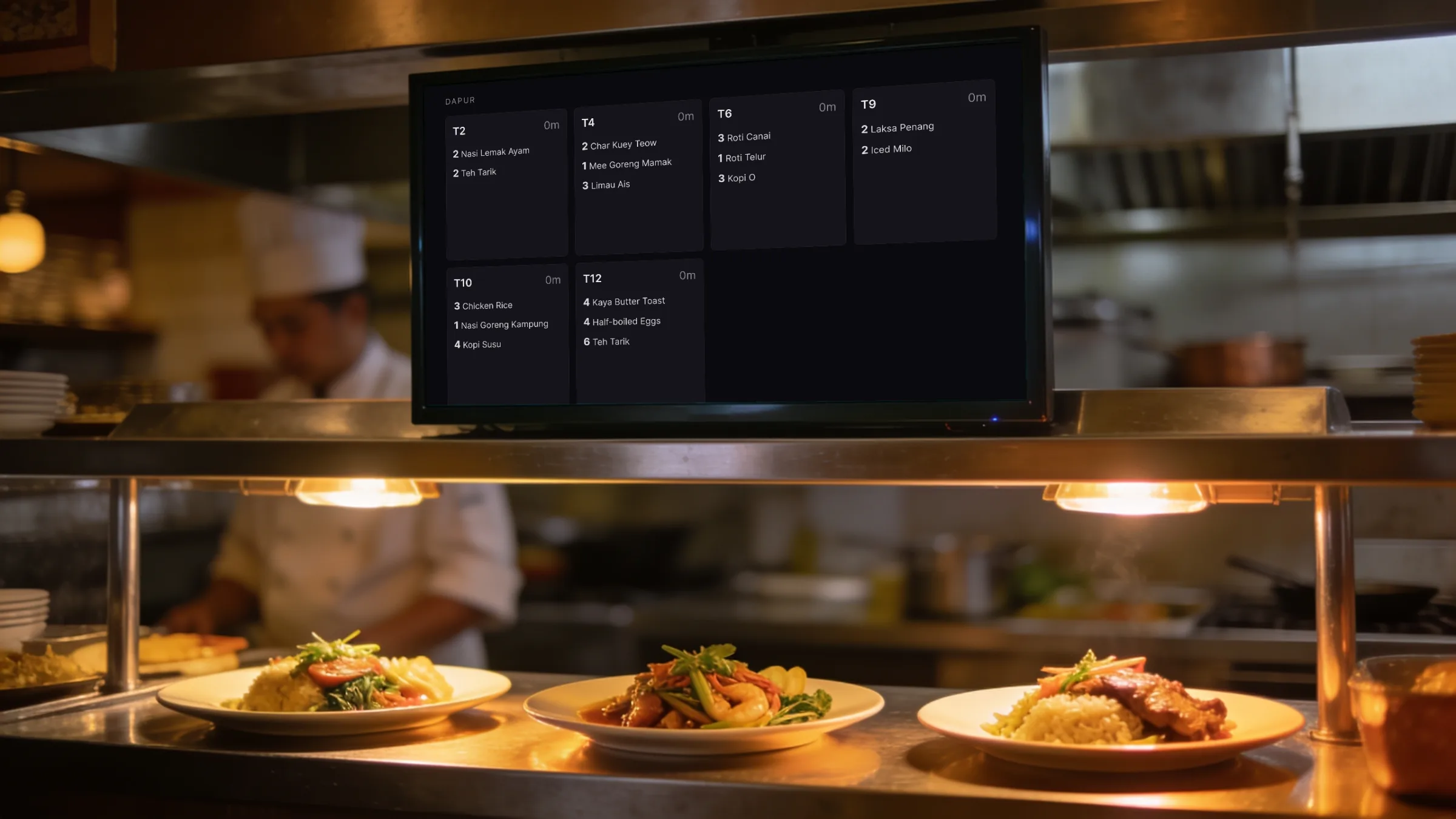
A cafe or restaurant needs a floor plan of its tables, a bill per table that can be split or moved, kitchen tickets that show only new items, and waiters who can order at the table. Orbit POS Pro does all of this offline, with waiter ordering from staff phones over the shop wifi and no app to install.
For a kopitiam, a cafe, a mamak or a full-service restaurant.
Draw the room in metres, let Orbit POS lay out the tables, or place them yourself. A 3D view checks it reads right.
Open, add, split evenly or by item, merge, transfer to another table, then close with a checkout.
A link on the shop wifi; waiters never see takings, settings or another device's bill.
Only the lines just sent, with quantities and notes, on paper or a kitchen screen.
A screen where customers tap their order and pay at the counter. It never takes payment by itself.
Peak and off-peak prices, promotions, points and member rates are part of Pro.
Recommended edition
Pro adds the floor, waiter phones, pricing rules and loyalty on top of the Standard till.
A counter that sells things.
Price coming soon
one-time, per shop
For most cafes
A cafe or restaurant with a floor to run.
Price coming soon
one-time, per shop
Everything in Standard, plus:
Anywhere that sells time: snooker, gaming, bowling, studios.
Price coming soon
one-time, per shop
Everything in Pro, plus:
Several outlets, staff on commission, accounts on credit.
Price coming soon
one-time, per shop
Everything in Venue, plus:
Yes. They open a link on any phone connected to the shop wifi. Orders go to the kitchen and the floor at once.
No. Each send prints or shows only the lines added since the last send, so a kitchen never cooks a dish twice.
Yes. A customer order screen shows the menu, builds the order and gives a number; the customer pays at the counter.
Yes, evenly or by item, into real separate bills that can each be paid differently.
Ring up items, track stock, print a receipt.
Learn moreClocks on tables, overtime, drinks on the same bill.
Learn moreLanes by the hour or by the game, shoes and lockers.
Learn moreRooms by the hour, peak rates, food on the bill.
Learn moreStations by the hour, prepaid wallets, snacks.
Learn moreQuotes, work orders, parts and labour.
Learn morePro adds the floor, waiter phones, pricing rules and loyalty on top of the Standard till.