What an alley gets
Sell a lane by the hour or by the game, rent the shoes, and take bookings with a deposit.
Bowling alleys
Sell a lane by the hour or by the game, rent the shoes, and take bookings with a deposit.
A bowling alley sells each lane by the hour, by the game or per head, rents shoes and lockers against a deposit, and takes bookings for busy nights. Orbit POS Venue handles all of it on one bill per lane, offline, with deposits held as money you owe until the item comes back.
Sell a lane by the hour or by the game, rent the shoes, and take bookings with a deposit.
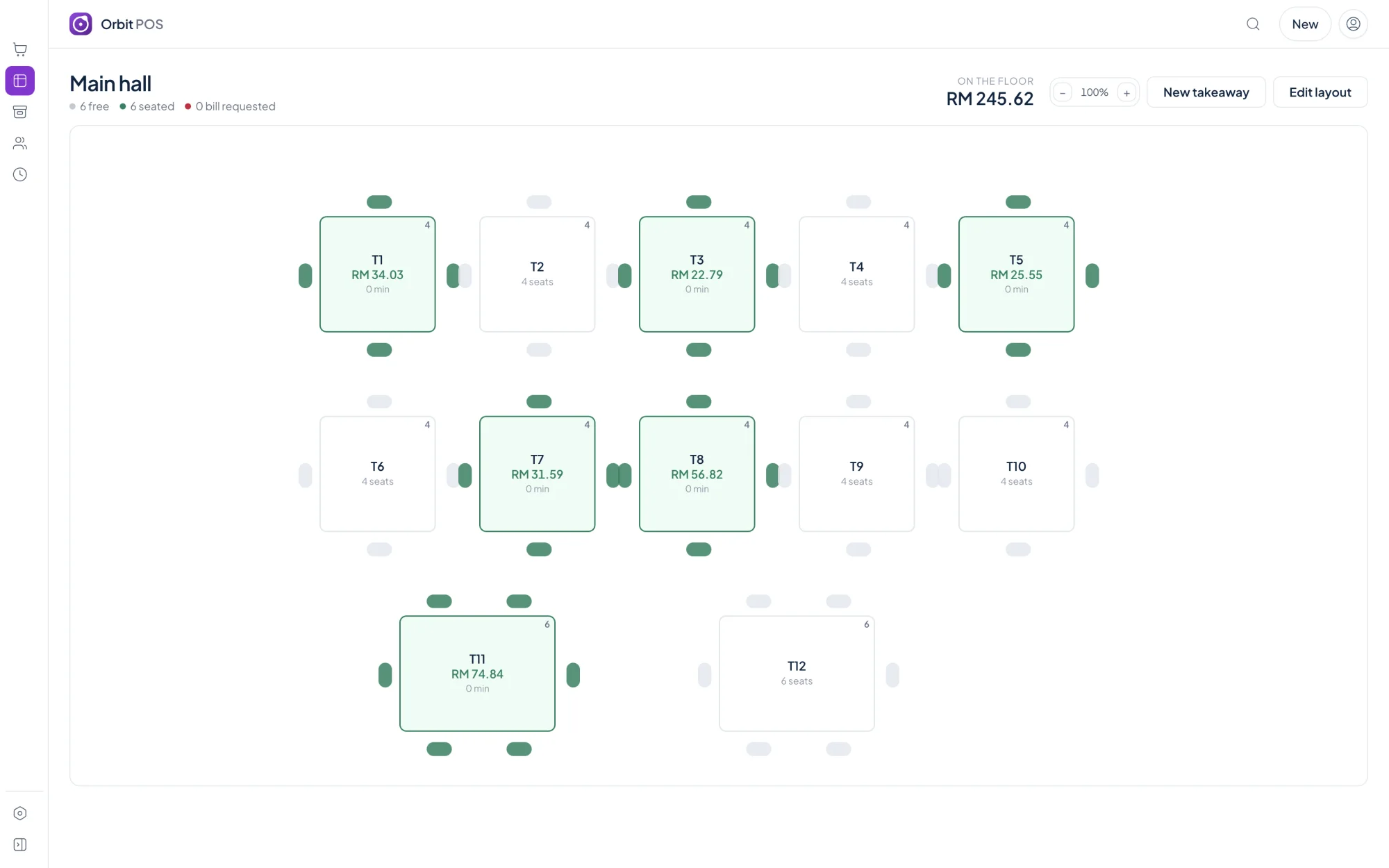
Each lane has its own clock, rate card and state on the floor: free, running, due soon or overtime.
Charge per person per hour, per block, a fixed slot or a pass, multiplied by the number of players.
Shoes and lockers are rentable items. A deposit is held, not counted as a sale, until it is returned.
Book a lane, take a deposit, and handle no-shows with a named decision instead of a timer.
Recommended edition
Venue is the edition that sells time, with bookings, rentals and deposits.
A counter that sells things.
Price coming soon
one-time, per shop
For most cafes
A cafe or restaurant with a floor to run.
Price coming soon
one-time, per shop
Everything in Standard, plus:
Anywhere that sells time: snooker, gaming, bowling, studios.
Price coming soon
one-time, per shop
Everything in Pro, plus:
Several outlets, staff on commission, accounts on credit.
Price coming soon
one-time, per shop
Everything in Venue, plus:
Yes. Per-head modes multiply the rate by the number of people on the lane.
A deposit is money you hold, so it is not counted as takings. Only the part you keep, if any, becomes revenue when the item is returned.
Staff record bookings with a time, a lane and an optional deposit; recurring bookings are supported.
A person decides. Bookings release automatically if you set a hold, but a deposit is never forfeited by a timer.
Ring up items, track stock, print a receipt.
Learn moreTables, bills, kitchen tickets, waiter phones.
Learn moreClocks on tables, overtime, drinks on the same bill.
Learn moreRooms by the hour, peak rates, food on the bill.
Learn moreStations by the hour, prepaid wallets, snacks.
Learn moreQuotes, work orders, parts and labour.
Learn moreVenue is the edition that sells time, with bookings, rentals and deposits.